The Ultimate House Hunting Spreadsheet: How to Automate and Elevate Your Showing Prep
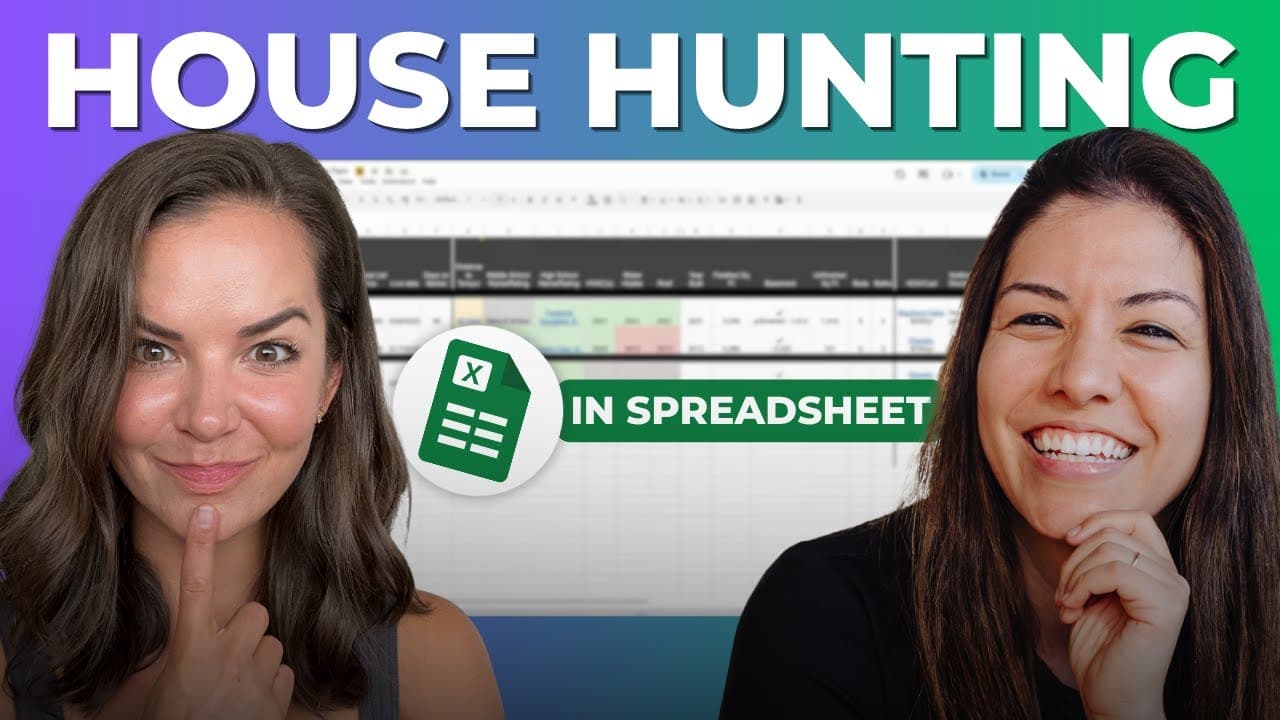


Have you ever been at a showing and wished you had the entire MLS logged inside your brain? You want to know every stat, the age of the roof, and exact commute times the second your buyer asks, but prepping all that data for homes they might not even like is a massive time-suck. We have designed a high-leverage "House Hunting Spreadsheet" that puts all the answers at your fingertips—and today, we’re showing you exactly how to build and automate it.
The Pain of the Showing Prep Grind
Back in the day, I used to print physical MLS cut sheets and pack them into a binder. I’d spend hours highlighting the age of the property, handwriting details from property disclosures, and manually looking up HVAC dates.
It was exhausting, repetitive, and completely inefficient. Plus, if the buyer hated the house within three seconds of walking through the front door, all that prep work went straight into the trash.
"I really like to have my shit together at showings. This spreadsheet was born out of a desire to eliminate manual prep work while still looking like the most prepared agent in the room."
Step 1: The Bulletproof Buyer Intake
Before you even open a Google Sheet, you need to run a deep buyer intake session. Whether you are on Zoom, Google Meet, or grabbing coffee, you have to dig into their true lifestyle needs.
Go beyond the basic "3-bed, 2-bath" search. You need to identify their absolute must-haves, their non-negotiable deal-breakers, and their specific lifestyle habits.
- Lifestyle Markers: Do they care about proximity to their church, gym, or local grocery store?
- Commute Tolerances: What is their maximum commute time on a heavy traffic day?
- Property Features: Do they require a fully fenced yard for a dog, or a kitchen island for hosting?
Anatomy of the Ultimate House Hunting Spreadsheet
This isn't just a generic list of addresses. It is a highly customized dashboard divided into three core categories: baseline data, client-specific criteria, and capital expense tracking.
1. Baseline MLS Data
We start with the core numbers that tell the story of the listing. This includes the property address, current price versus the original price, and the date the property went live.
We use the live date to write a simple formula that automatically calculates Days on Market (DOM). We also track the listing history—did they pull it off the market for three months and relist it? Did they start $500,000 higher? That history is pure gold during negotiations.
2. Hyper-Personalized Buyer Criteria
This is where the magic happens. We build custom columns specifically for what that buyer values most.
For example, if commute time is critical, we don't just guess the distance. We paste a Google Maps link set specifically to Monday morning at 8:00 AM from the property to their workplace to give them a hyper-accurate traffic picture.
We also include dedicated columns for middle schools, high schools, basement specs, garage sizes, or yard configurations.
3. Capital Expenses & Private Remarks
Nothing kills a deal faster than an unexpected $15,000 roof replacement. We pull the exact ages of the HVAC system, water heater, and roof directly from the disclosures and log them in the sheet.
We also grab the private listing agent remarks. If there is a note saying the theater equipment conveys or that there are specific showing instructions, we keep it handy (filtering out anything strictly confidential, of course).
Leveraging a VA to Save Your Sanity
If you don't have a virtual assistant or a transaction coordinator, this sheet is going to feel like another chore. This is purely a data-entry task that should be outsourced.
I have my incredible VA, Chesca, handle this entire process. Once my buyers select the properties they want to tour, Chesca goes to work pulling disclosures and populating every single row.
"If you find yourself or your assistant doing heavy manual data entry, there are systems and automation companies that can streamline this entire workflow for you. It is worth investing in leverage."
Running the Showing Day Like an ICON Agent
Once the sheet is fully populated, we organize it in the exact chronological order of our showing route. Then, we print two copies—one for me, and one for the client.
We also color-code the cells. If a property's commute time is 45 minutes instead of their desired 30, that cell turns bright red. It gives the buyer an instant, visual comparison of their options.
Finally, we always keep an "X Tab" on the sheet. When buyers look at dozens of homes over several months, they will eventually ask to see a property they already rejected. With the X Tab, you can instantly pull up your past notes and remind them exactly why they passed on it.
Get the Template & Level Up Your Business
Want to stop drowning in MLS paperwork and start showing up to listings with absolute authority? We are giving away our exact House Hunting Spreadsheet template inside our resource vault.
Head over to The Agent Goldmine, scroll to the bottom, and grab your free copy of our Golden Nuggets. All we ask in return is that you leave us a five-star review on Apple Podcasts or Spotify to help us keep bringing you the best tactical real estate advice on the planet.
Want to build a real, scalable business with true leverage, passive revenue share, and stock ownership? Join the Five Pillars Nation community and listen to The Agent Goldmine podcast. Let's grow together!